IPTV on Smart TV: 7 Easy Steps for Samsung & LG
Set up IPTV on Samsung and LG Smart TVs, check app compatibility, load your playlist and test our server free for 24 hours before buying.

Set up IPTV on Samsung and LG Smart TVs, check app compatibility, load your playlist and test our server free for 24 hours before buying.
If your IPTV playlist is not loading, first check whether the player accepts the access format you were given. A playlist URL, a server login and
Fix IPTV buffering with practical network, player and channel checks for TVs, phones and computers. Try North IPTV Channel free for 24 hours.
Set up IPTV on Firestick, check app compatibility and test your channels. Try North IPTV Channel free for 24 hours before buying a subscription.
IPTV channels not working? Use a symptom checklist to check streams, internet access, players, account status and connection limits before contacting support.
Follow a practical IPTV channel setup guide for smart TVs, streaming devices, computers and phones. Check players, access formats and playback before watching.
Choose an IPTV channel subscription by comparing channel access, device compatibility, simultaneous connections, total cost and support for your location.
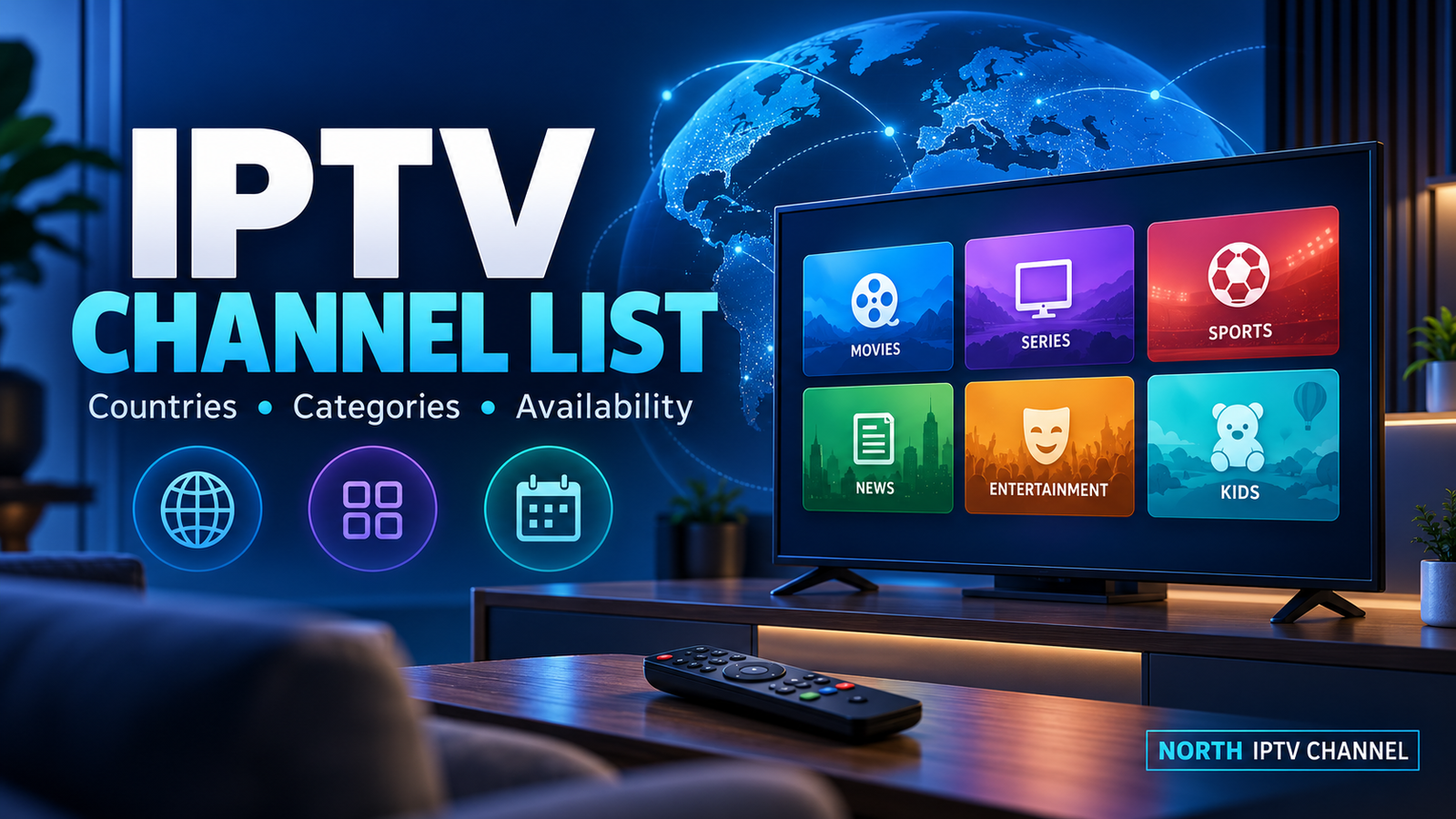
Explore IPTV channel groups by country, language and category, with a practical checklist for confirming availability, device compatibility and subscription details.
Discover the ultimate IPTV channel lineup! Explore top services and find the best channels for your viewing.
Discover IPTV local channels and enhance your viewing experience with the best provider options available!